01
Projects and tasks
Keep delivery work organized around projects, accountable owners and the next step.
Planerix Workspace
Plan projects, assign tasks and track progress with your team. Ask ChatIX about your work and business indicators, then review and confirm the actions it suggests.
Interactive demo · synthetic data
Northline Group · Riverside · Week of 9 November 2026
Working context
Interactive demo · synthetic data Available
Choose a template, arrange blocks and preview desktop and mobile. Publish selected offers from the same business that manages the catalogue.
 Pilot · confirm scope
Record receipts and transfers, trace movements by SKU and check which stock location supplies a published offer.
 Pilot · confirm scope
Connect a product or service page with the team responsible for handling enquiries and fulfilling orders. Stock and payment rules follow the configured storefront.
Built around your day
Company leadership · Team leads · Project teams
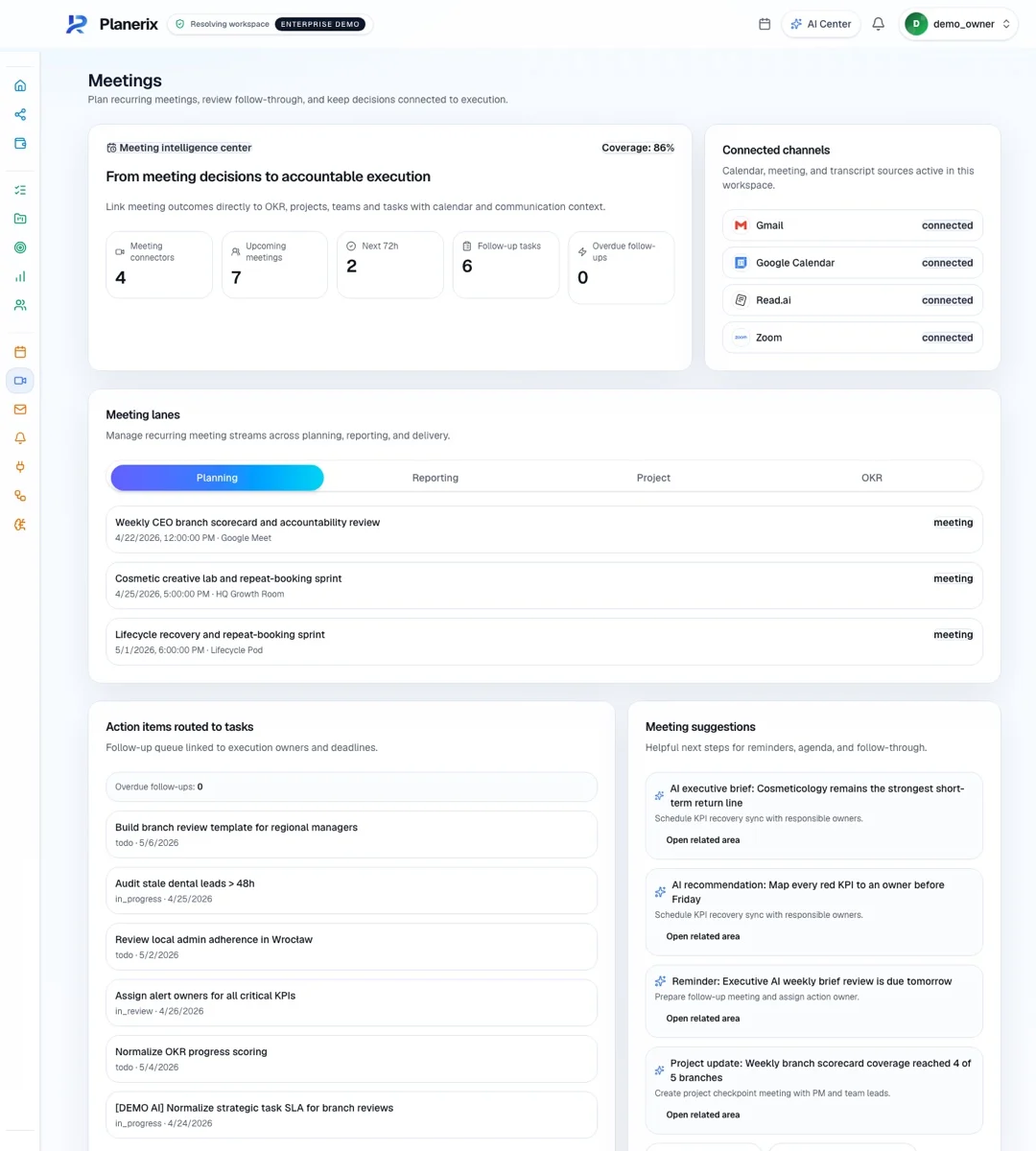
App preview · sample data
 Planerix
Inside Planerix Workspace
01
Keep delivery work organized around projects, accountable owners and the next step.
02
Connect team goals to measurable indicators and review progress in context.
03
Keep recurring reviews, action items and linked work visible after the meeting ends.
04
Bring configured data sources into the workspace for a shared view of performance.
05
Open a task, project or event in chat. Review the proposed changes, confirm them and follow the saved result.
06
Manage people, roles and access within the organization’s workspace.
A connected workflow
Connected to your systems
We help you choose and connect the sources your team needs. Available data depends on the system and your account permissions.
See available connectionsOn the web. Alongside you on iPhone.
Use Workspace in your browser and see the iPhone app in a demo. Contact us to arrange mobile access.
Meet the mobile apps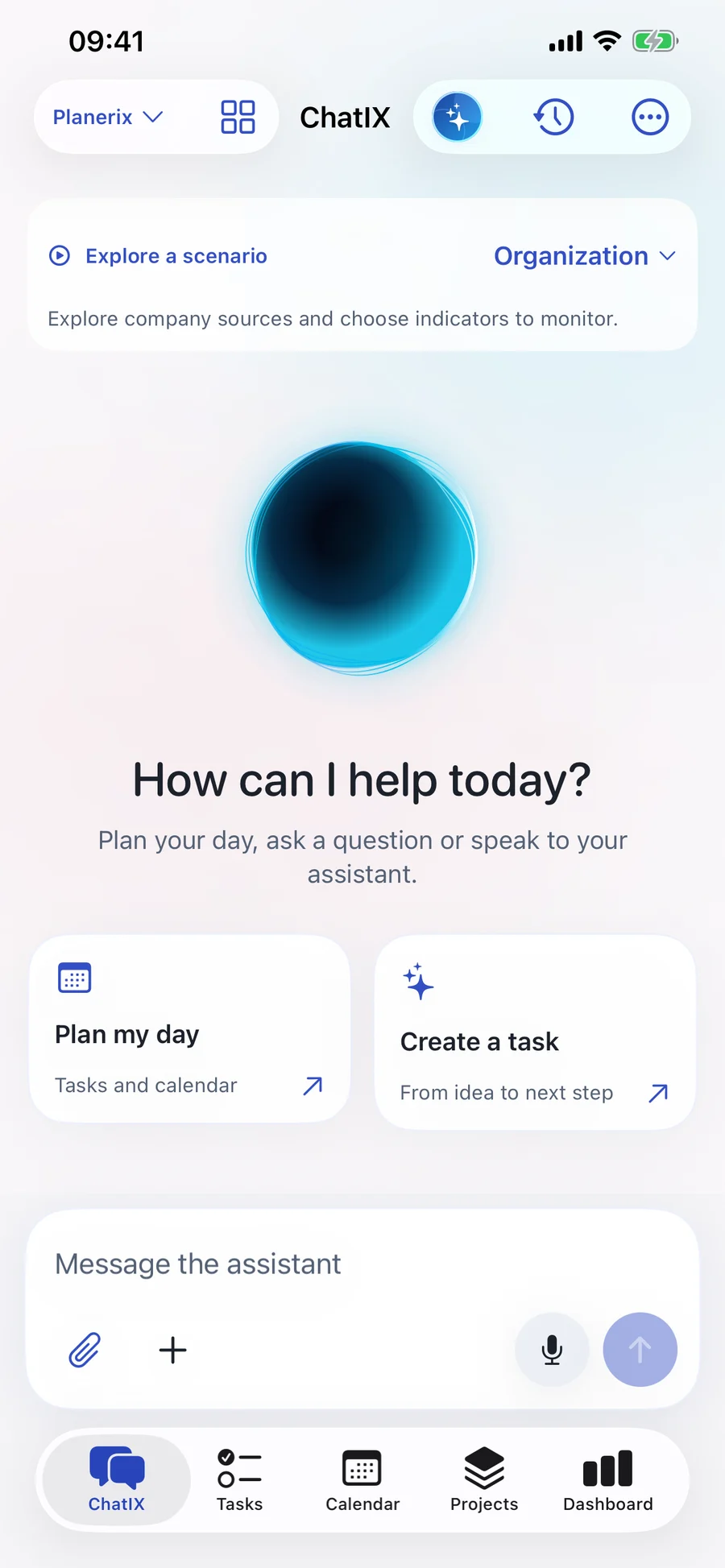 Planerix
Tell us what takes too much time today. We’ll show you the relevant tools and agree on a useful first step.
Book a demo